
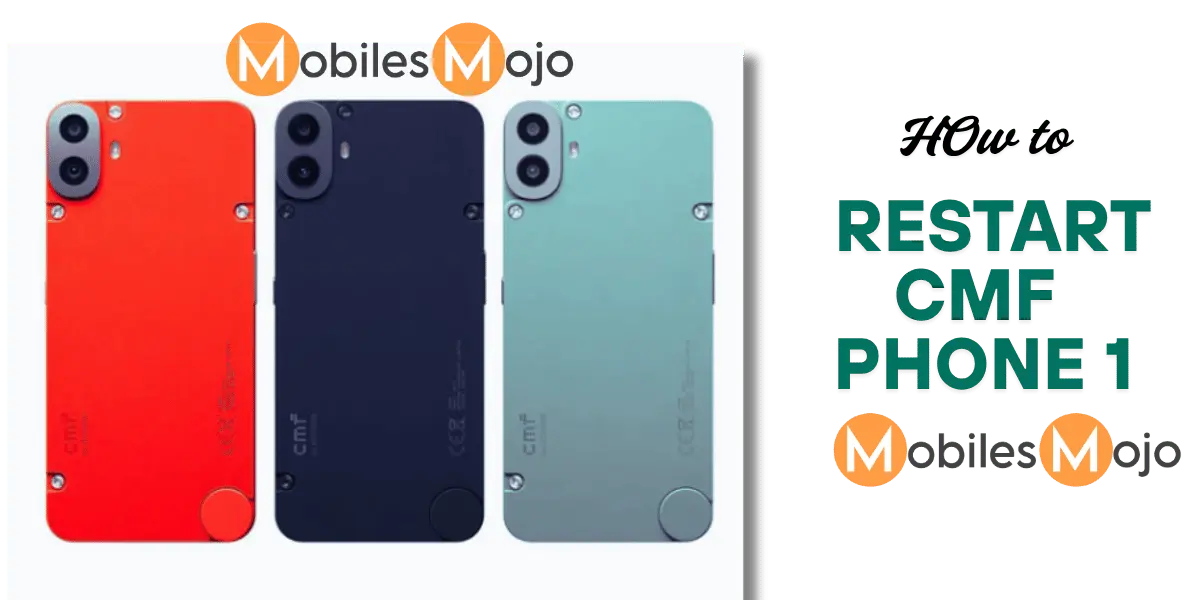
We can Restart CMF Phone 1 in TWO METHODS.
- Accessibility Menu
- Using Power Buttons
METHOD-1( Accessibility Menu)
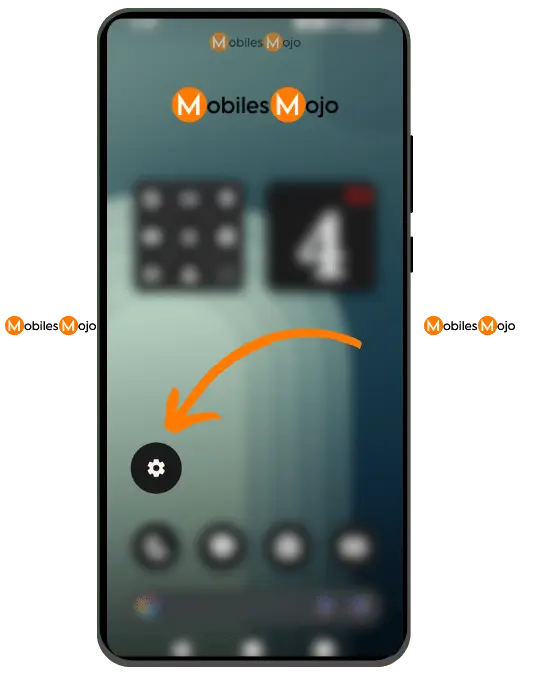
Step 1: Go to the Settings Icon and click it open
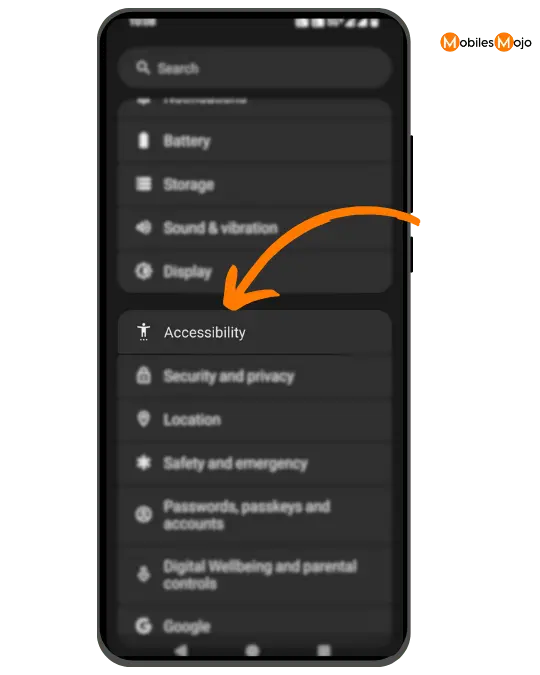
Step 2: Scroll Down and Navigate to the ACCESSIBILITY option. Choose the Accessibility Menu.
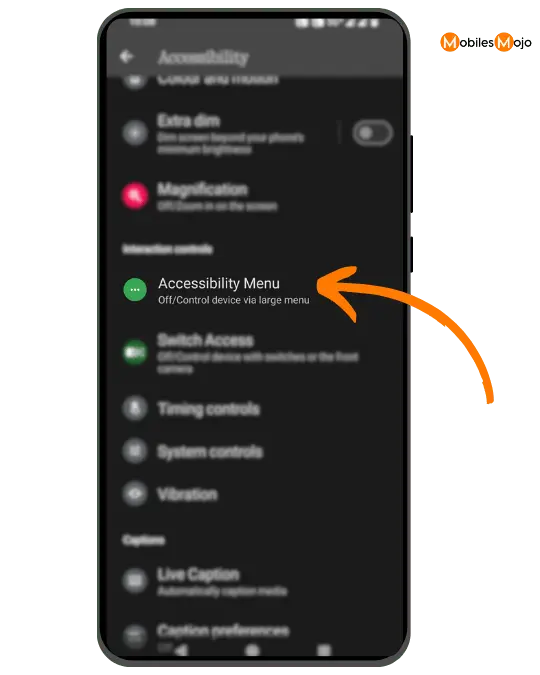
Step 3: You will see the ACCESSIBILITY MENU SHORTCUT options. It will be turned off as a default settings.
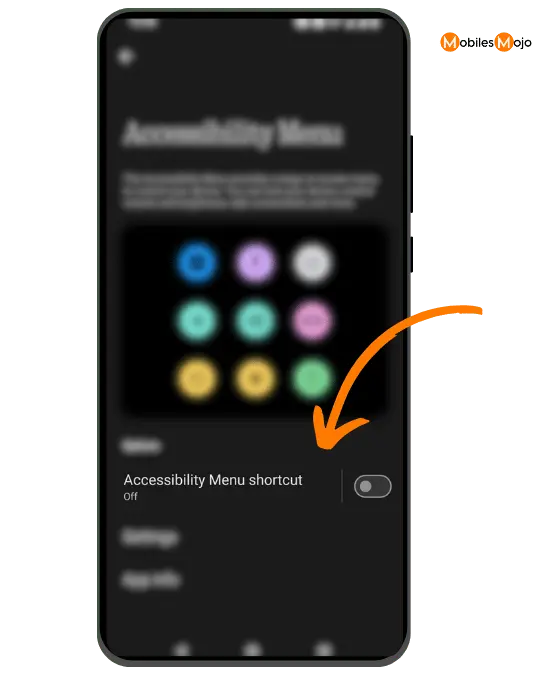
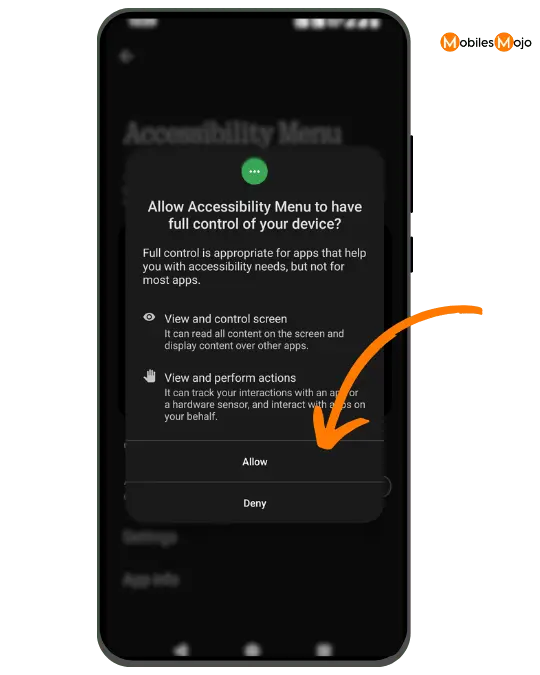
Step 4: Turn on the toggle button and a pop-up will be shown, asking you to allow the accessibility menu to have full control of your device. Read and choose allow.
Step 5: Now you can see on the right corner of the screen a little round shaped toggle in the green colour. Now Click this
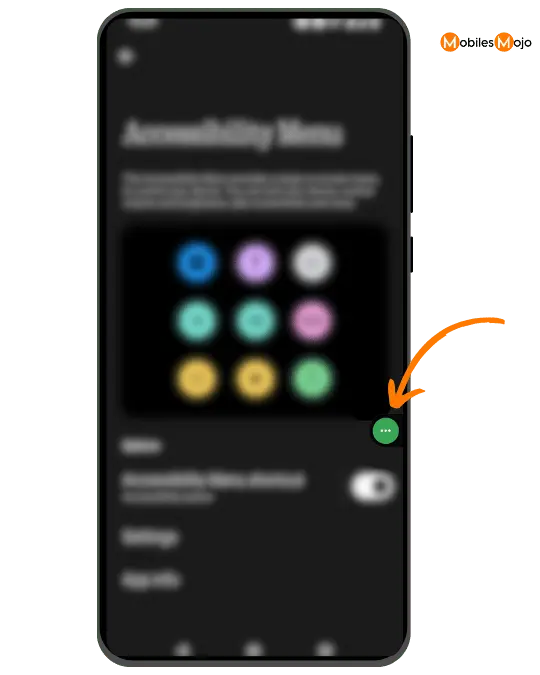
Step 6: Now you can see so many options being displayed. Click the POWER Options.

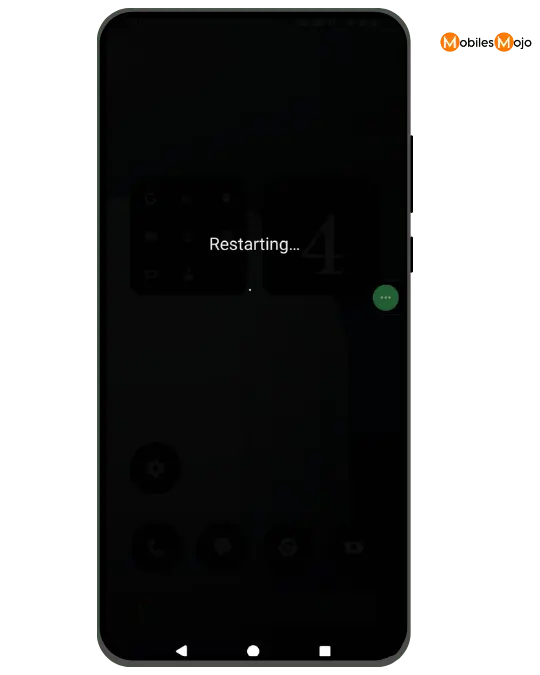
Step 7: Choose the RESTART OPTION and your phone will be started.
METHOD-2( Using Power Buttons)
Step 1: Click the Power button on the right side and Click the Volume Up button at the same time.
Step 2: You will see many options. Now chose the RESTART option to restart your mobile.
